

FACULTY &
STAFF
Office Stationery and Business Cards
To order stationery, contact Maximum Graphics or login to Penn Marketplace.
Note: Maximum Graphics is the only approved source for printing business cards, letterhead, and envelopes.
Contact Creative Services for digital requirements.
These policies are intended to ensure that the use of Wharton’s name and logo marks is limited to individuals and divisions/departments affiliated with the School.
Generic office stationery is appropriate for use by all faculty, staff, and adjunct personnel only for purposes that relate directly to School business for that department. Use is strictly limited to approved School-related communication.
Wharton letterhead and envelopes may not be used for personal correspondence.
Letterhead and business cards may not be used for the purpose of soliciting private business.
Ordering Information
Wharton business cards, letterhead, and envelopes are ordered from Maximum Graphics, the only authorized printer for Wharton stationery. An exception may be made for bulk mailings.
Orders must be placed, or authorized, by the BA of the unit to which they will be billed. Individual faculty and staff members may not place personal orders.
Penn Marketplace
To place an order for your stationery needs, login to Penn Marketplace and search for Maximum Graphics.
To find more Penn approved sources for merchandising, print, and interactive services, please visit the supplier list on Penn Marketplace.
Personalized Stationery And Business Cards
Personalized stationery and business cards are authorized only for full-time standing faculty, practice professors, and emeritus faculty, and for full-time professional and academic support staff who correspond frequently under their own signatures for purposes that relate directly to School business for that unit.
Business cards, at the discretion of the department, may be authorized for adjunct faculty with the approval of the department chairperson and business administrator (BA). Adjunct faculty may use letterhead associated with the unit for which they are working. Because their affiliation with the School is renewable, business cards for adjunct faculty and full-time lecturers must carry the current years of affiliation.
Visiting faculty, part-time lecturers, senior fellows and postdoctoral students — because of their limited, renewable association with the School — do not qualify for business cards or personalized letterhead. They may use letterhead associated with the unit for which they are working. For professional staff other than directors, personalized letterhead must be approved by their supervisor and BA.
As a rule, envelopes should not be personalized. Office envelopes and labels are appropriate for use with personalized stationery.
The Visual System

The Wharton visual system defines how elements like color and font should represent the school.
The Language System

The Wharton language system aligns how we write with who we are as an institution.
Design Levels
Not all elements in this guide are meant for all users. This key is meant to show where users at differing levels can take guidance. If you are unsure as to which level user you are, please contact creativeservices [at] wharton.upenn.edu.

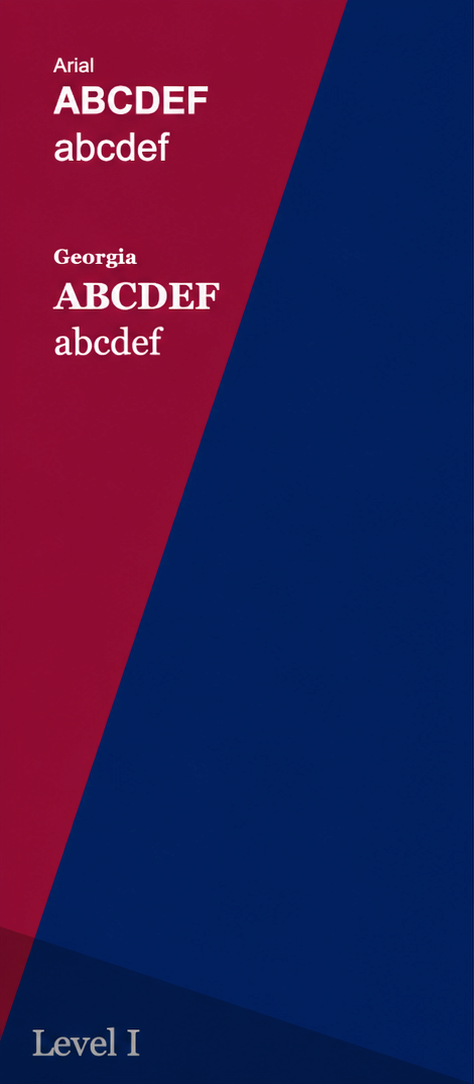
Level 1 users are non-designers who require access to basic design resources. These staff-level creators can use the Wharton Wedge Design Kit and system fonts like Arial and Georgia to create simple, on-brand designs. They also receive templates to ensure all brand assets are applied correctly.

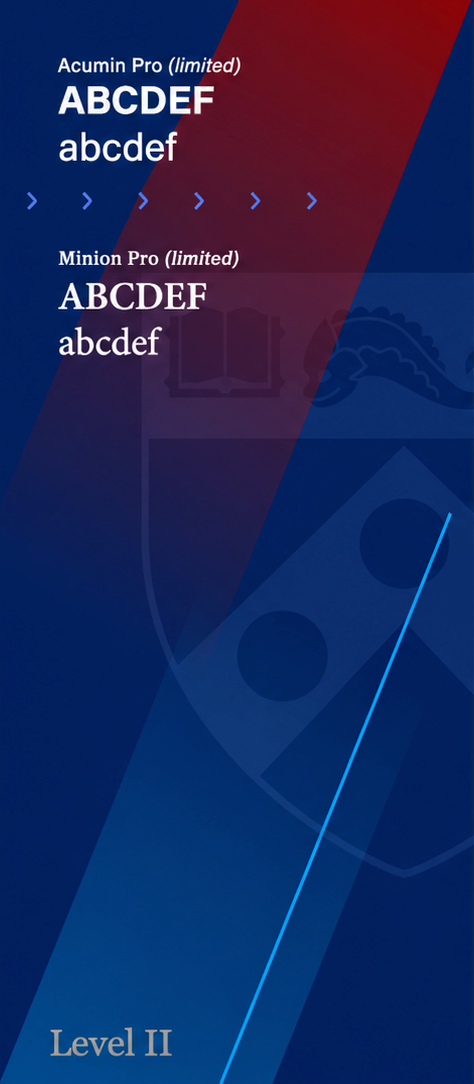
Level 2 users have intermediate knowledge and skills in design, or are using templates created by Level 3 designers. These in-house creative teams have access to additional elements and a limited font family for Acumin and Minion, allowing for more creative typographic options beyond the basic system fonts.

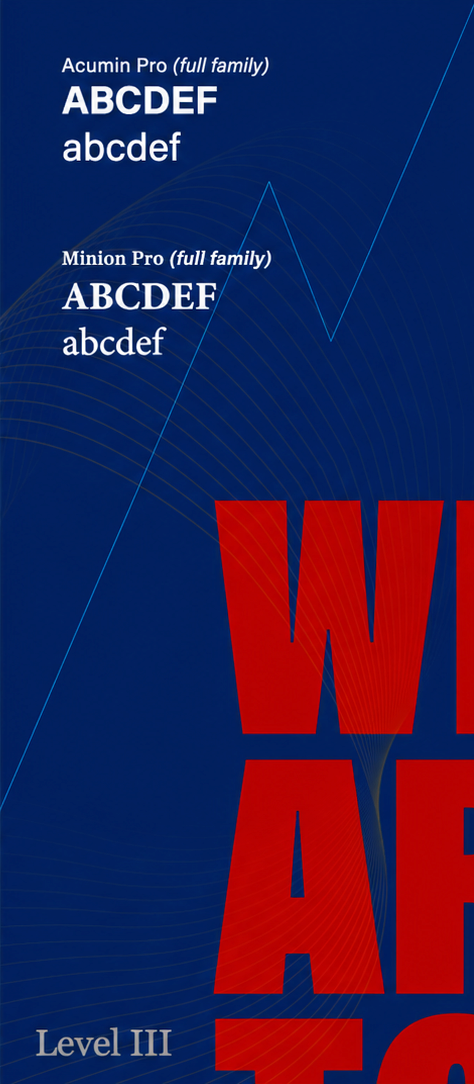
Level 3 users are professional graphic designers, design agencies, or individuals formally trained with advanced design skills. This agency-level creative group has full access to the extensive font library and advanced design elements that make up the Wharton Way Design Kit, enabling them to build complex visual systems.
For questions about how to use the brand guidelines or where to find elements, please contact: creativeservices [at] wharton.upenn.edu.
Justin Flax
Head Creative Director
jflax [at] wharton.upenn.edu
Dariel Davis
Digital Designer
darield [at] wharton.upenn.edu
Special Groups
Learn about the brand guidelines for your specific group.
The Brand Guideline Sheet is included with each logo system. This essential resource offers a clear visual and technical breakdown of the logo architecture, including the approved color palette and specific usage requirements. Created with accessibility in mind, these guidelines empower all team members — regardless of design expertise — to apply the Wharton visual identity with precision, ensuring brand consistency across every platform. The PDF is editable (similar to an EPS file); just ask your vendor to open the file in their vector software (e.g., Adobe Illustrator or Figma).
PennKey login is required.