
VISUAL
SYSTEM
At the heart of our visual brand identity are the logos and marks that embody the essence of the Wharton School of the University of Pennsylvania. The Wharton logo is a powerful, globally recognized symbol and serves as the anchor of our brand. The logo lock-up, sub-brands, and architecture are also key parts of the system. Explore our carefully crafted visual elements that reflect who we are.
When content creators align with our visual identity and messaging guidelines, every interaction becomes an opportunity to strengthen Penn and Wharton’s brand for years to come.
Design Kits
A Design Kit is a comprehensive framework that defines the visual, functional, and experiential standards for a brand’s digital and physical presence. It ensures consistency across all touchpoints by providing a centralized collection of reusable components, design principles, and documentation. Wharton has two distinctive kits that include pre-built visual elements that allow content creators to develop consistent and compelling communications.
Design Levels
Not all elements in this guide are meant for all users. This key is meant to show where users at differing levels can take guidance. If you are unsure as to which level user you are, please contact creativeservices [at] wharton.upenn.edu.

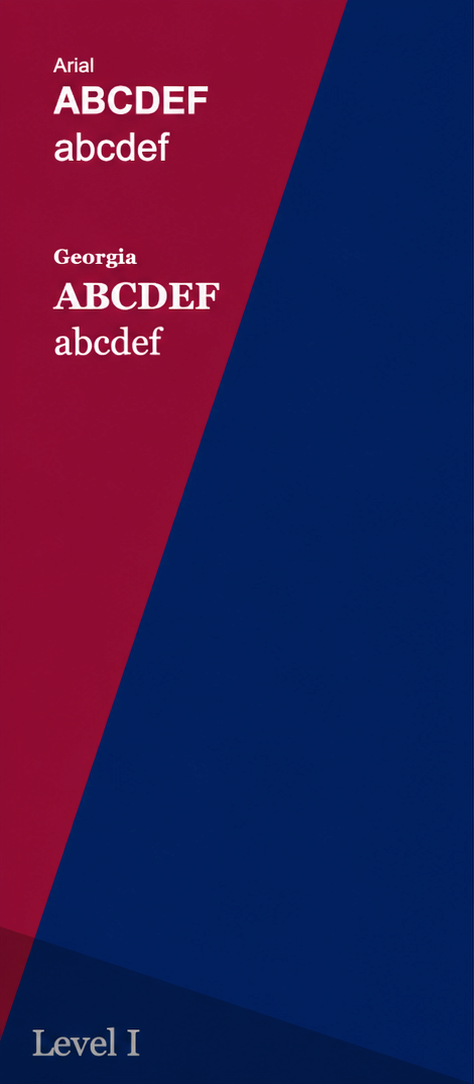
Level 1 users are non-designers who require access to basic design resources. These staff-level creators can use the Wharton Wedge Design Kit and system fonts like Arial and Georgia to create simple, on-brand designs. They also receive templates to ensure all brand assets are applied correctly.

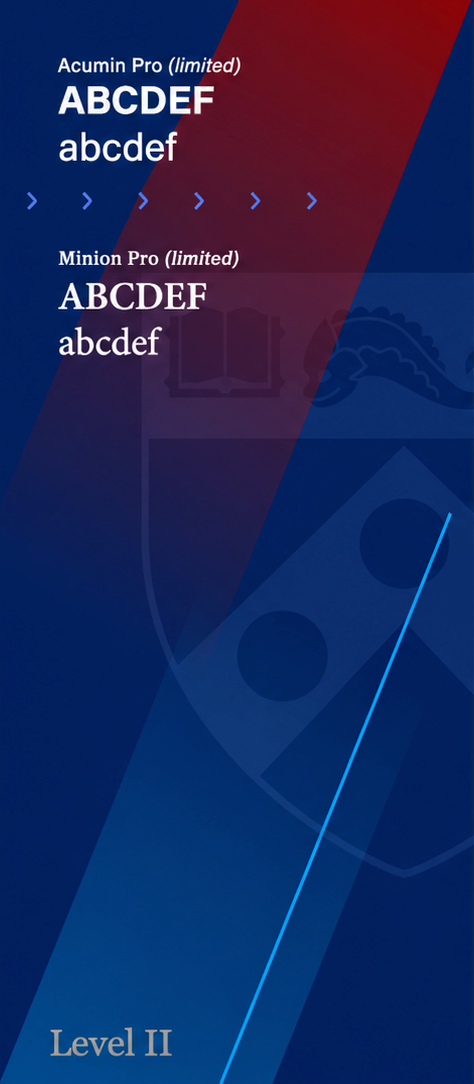
Level 2 users have intermediate knowledge and skills in design, or are using templates created by Level 3 designers. These in-house creative teams have access to additional elements and a limited font family for Acumin and Minion, allowing for more creative typographic options beyond the basic system fonts.

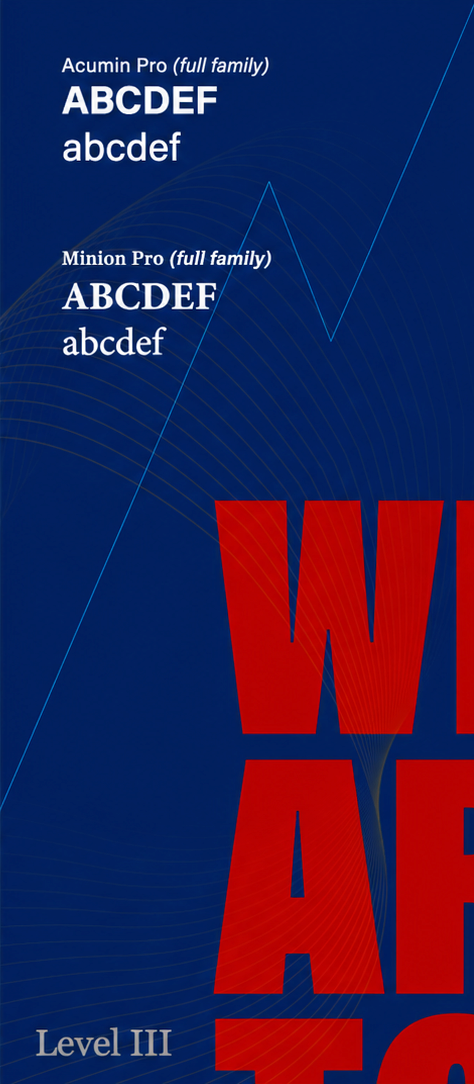
Level 3 users are professional graphic designers, design agencies, or individuals formally trained with advanced design skills. This agency-level creative group has full access to the extensive font library and advanced design elements that make up the Wharton Way Design Kit, enabling them to build complex visual systems.
For questions about how to use the brand guidelines or where to find elements, please contact: creativeservices [at] wharton.upenn.edu.
Justin Flax
Head Creative Director
jflax [at] wharton.upenn.edu
Dariel Davis
Digital Designer
darield [at] wharton.upenn.edu
Special Groups
Learn about the brand guidelines for your specific group.
The Brand Guideline Sheet is included with each logo system. This essential resource offers a clear visual and technical breakdown of the logo architecture, including the approved color palette and specific usage requirements. Created with accessibility in mind, these guidelines empower all team members — regardless of design expertise — to apply the Wharton visual identity with precision, ensuring brand consistency across every platform. The PDF is editable (similar to an EPS file); just ask your vendor to open the file in their vector software (e.g., Adobe Illustrator or Figma).
PennKey login is required.