


TYPO
GRAPHY
Wharton brand typefaces have been carefully selected to complement each other harmoniously considering factors such as contrast, proportion, and overall visual appeal. These combinations of typefaces can enhance visual appeal, readability, and create a distinct and cohesive look. These typography mixing guidelines provide a framework to ensure consistency and harmony while allowing for creative expression.
These guidelines aim to maintain typographic consistency, enhance readability, and create a visually cohesive experience. By following these rules and principles, Wharton’s typography will reflect the professionalism, innovation, and sophistication that define our brand.
Primary Fonts

Acumin is a versatile sans-serif typeface family intended for a balanced and rational quality. It performs beautifully at display sizes but also maintains an exceptional degree of sensitivity for text sizes. When Acumin is unavailable in system applications like PowerPoint or Word, Arial should be used as the official fallback.

Minion Pro is inspired by classical, old style typefaces of the late Renaissance, a period of elegant, beautiful, and highly readable type designs. Minion Pro combines the aesthetic and functional qualities that make text type highly readable with the versatility, yielding unprecedented flexibility and typographic control, whether for lengthy text or display settings. When Minion Pro is unavailable in system applications like PowerPoint or Word, Georgia should be used as the official fallback.

Nitti pairs beautifully with the modern Acumin and the elegance of Minion fonts. It is specifically used for your additional informational needs, such as hierarchy-building, eyebrow text, time stamps, and dates. When Nitti is unavailable in system applications like PowerPoint or Word, Courier should be used as the official fallback.
Fallback Fonts
In cases where Acumin, Minion Pro, and Nitti are not available—such as in email, PowerPoint, or Word documents—the following system fonts should be used:
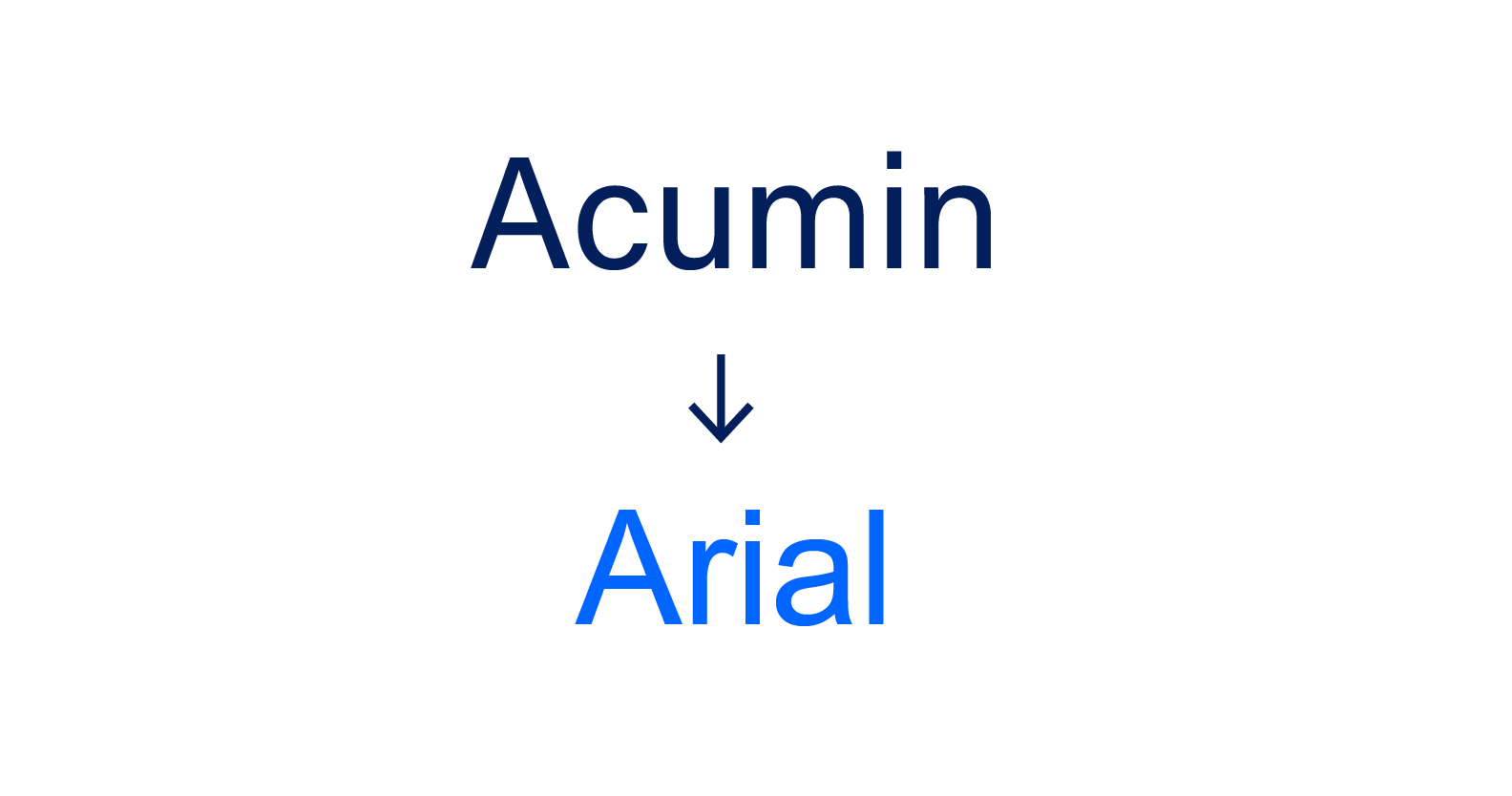
Acumin → Arial: A universally available font that maintains readability and accessibility.
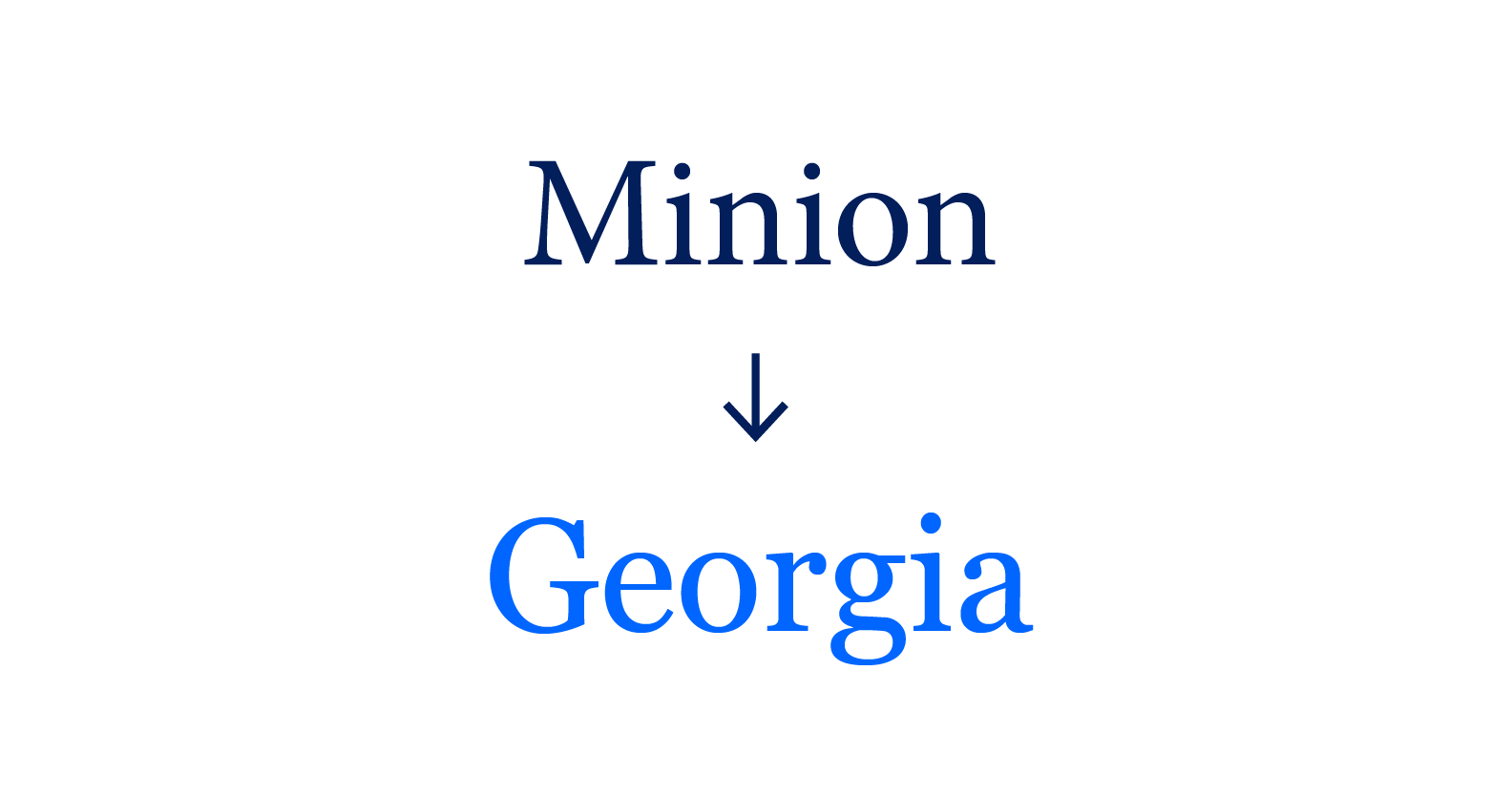
Minion Pro → Georgia: A widely supported alternative that preserves a traditional, academic feel

Nitti → Courier: A bold, distinctive typewriter-style font for technical and modern headers
Formatting and Hierarchy
Establishing a clear typographic hierarchy is essential for creating effective presentations, reports, and digital applications. It guides the reader’s eye through the content, emphasizing key points and ensuring readability. Below are suggestions for implementing proper font hierarchy across various formats.
|
|
Headings
|
Subheadings
|
Body Text
|
Captions/Footnotes
|
|---|---|---|---|---|
|
Presentations
|
Use Acumin or Arial bold font at a larger size (e.g., 32-40 pt) for main headings to capture attention. | Apply a slightly smaller size (e.g., 24-30 pt) and consider a different weight or style to distinguish from main headings. | Opt for Acumin or Arial regular font at 18-24 pt for clarity. | Use a smaller size (e.g., 14-16 pt) and a lighter weight to indicate supplementary information. |
|
Reports
|
Employ Minion or Georgia font at a larger size (e.g., 24-30 pt) to convey formality. | Use Minion or Georgia 16-18 pt font, possibly in bold, to delineate sections and apply a 14-16 pt Minion/Georgia or Acumin/Arial font to indicate subsections. | Maintain a consistent Minion or Georgia 12 pt font for the main content. | Use a smaller size (e.g., 10 pt) and a lighter weight to denote ancillary information. |
|
Digital Applications
|
Utilize Acumin or Arial bold font at a larger size (e.g., 24-30 px) for primary navigation or titles. | Apply a slightly smaller size (e.g., 20-24 px) and a different weight or style. | Choose Acumin or Arial regular font at 16-18 px for readability on screens. | Use a smaller size (e.g., 12-14 px) and a lighter weight to indicate less prominent information. |
Using the Brand Typography in Practice: Web Article Example
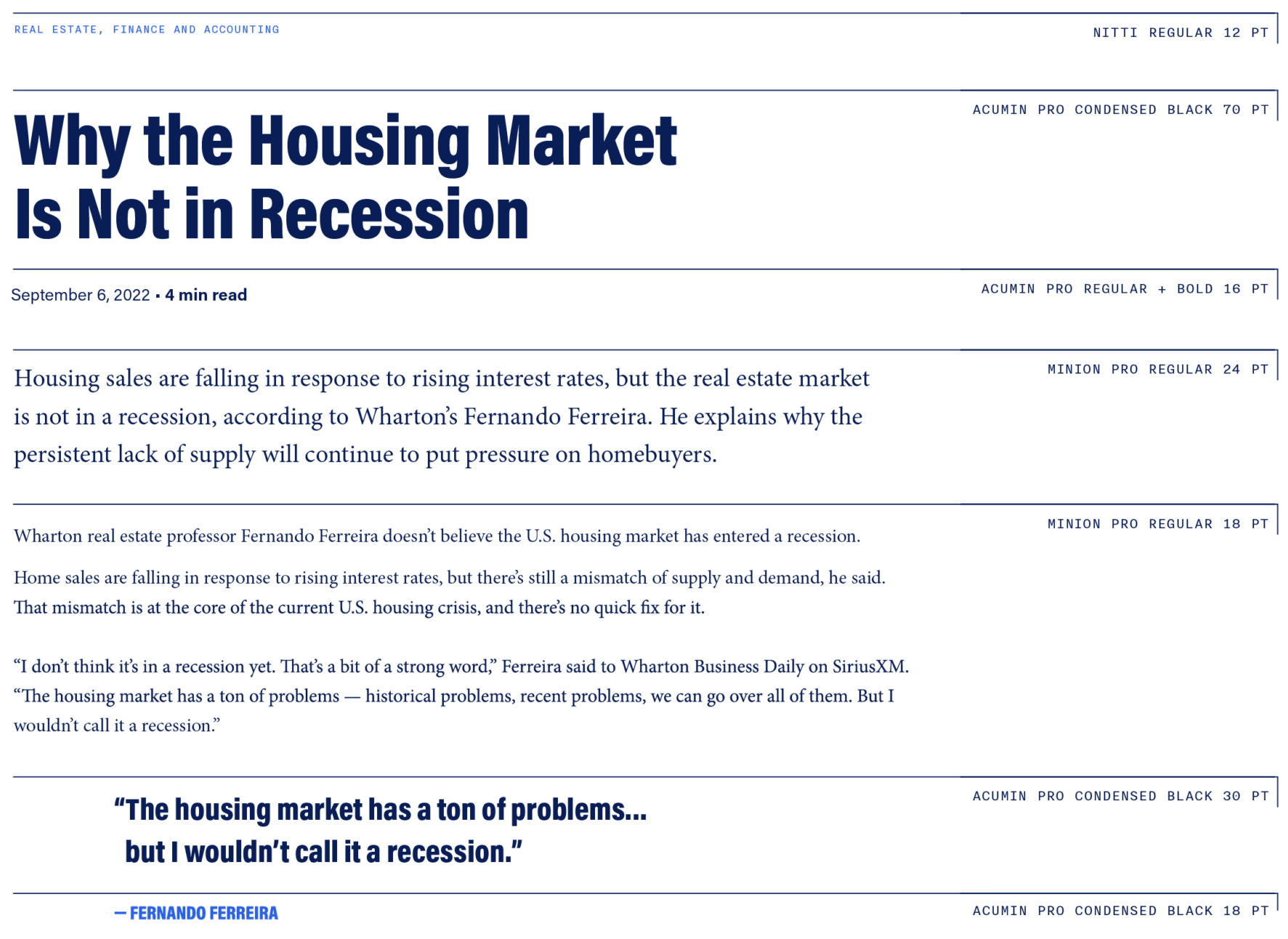
Do’s:
Do utilize our designated typefaces, to maintain a cohesive and professional look across all brand materials.
Do pay close attention to font weights, sizes, and styles to create a visual hierarchy and enhance readability.
Do experiment with different combinations and layouts to bring dynamism to our brand messaging.


Don’ts:
Don’t overcrowd designs with excessive fonts or styles that may dilute the brand’s visual identity.
Don’t use unauthorized or unapproved typefaces to maintain brand consistency.
Don’t use illegible fonts, improper spacing, and inconsistent alignment that can undermine the clarity and impact of our messaging.


Special Groups
Learn about the brand guidelines for your specific group.
The Brand Guideline Sheet is included with each logo system. This essential resource offers a clear visual and technical breakdown of the logo architecture, including the approved color palette and specific usage requirements. Created with accessibility in mind, these guidelines empower all team members — regardless of design expertise — to apply the Wharton visual identity with precision, ensuring brand consistency across every platform. The PDF is editable (similar to an EPS file); just ask your vendor to open the file in their vector software (e.g., Adobe Illustrator or Figma).
PennKey login is required.